
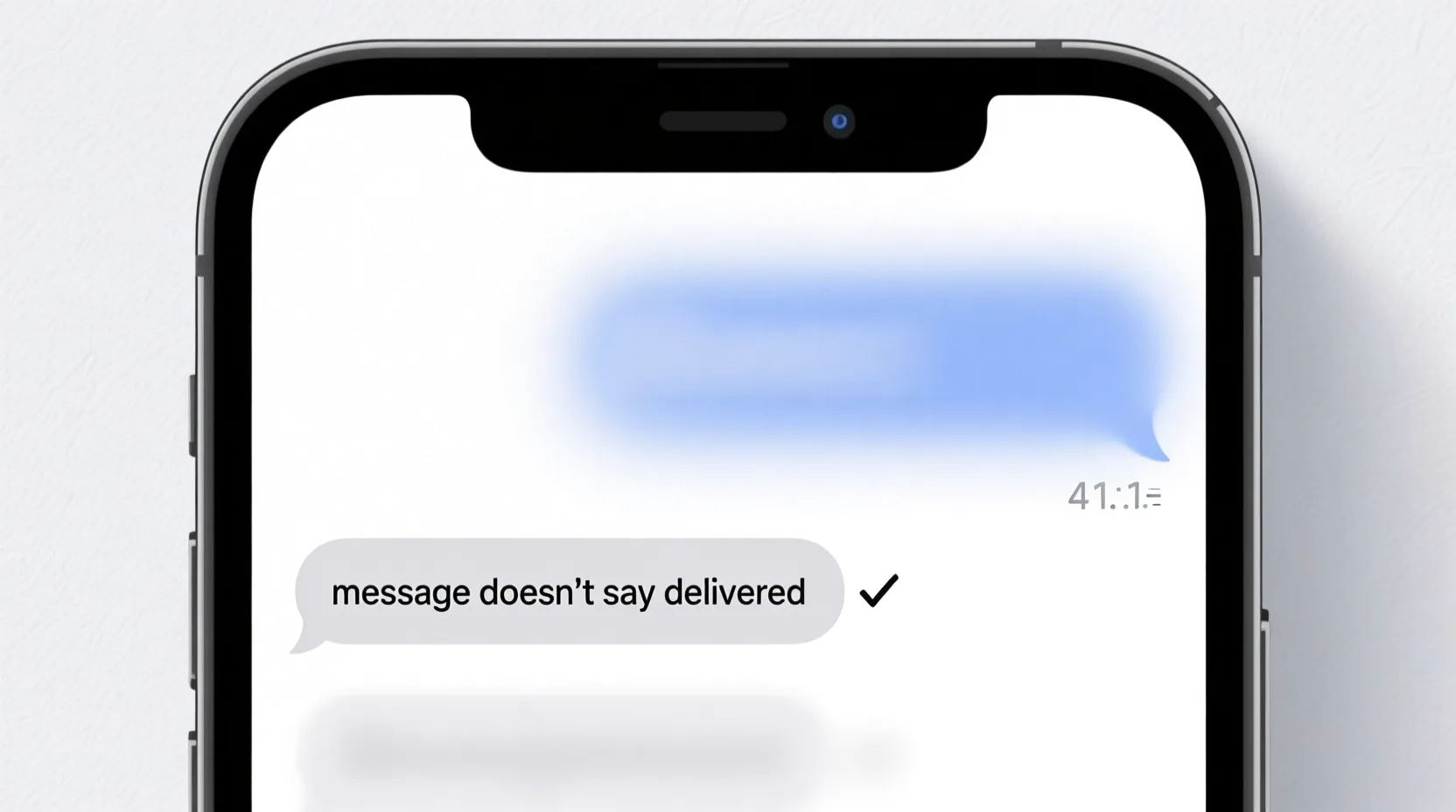
When you send a text and the message doesn’t say delivered, it instantly creates worry. You start to wonder: did it go through, is their phone off, or did they block you? That tiny missing word delivered can feel huge when you are waiting for a reply.
This guide walks you through the most common reasons your message doesn’t say delivered, what that really means, and what you can do before you assume the worst.
📶 Weak Signal Or No Network
Your message cannot show delivered if it never reaches the other phone.
Check your own signal bars at the top of the screen.
If they are low or empty, your message may be stuck sending.
Move to another spot, like near a window or outside.
Turn Airplane Mode on for a few seconds, then turn it off.
Try sending a short test text like a single word.
If it still does not say delivered, wait a bit and try again.
Network congestion or small outages can slow things down.
Until your phone fully reconnects, delivery status may stay blank.
Signal is the first thing to check when you see no delivered tag.
📱 The Other Person’s Phone Is Off Or Out Of Service
Sometimes the problem is not on your side at all.
If their phone is off, your message cannot show delivered yet.
If their battery died, messages may stay in limbo for a while.
If they are in a place with no signal, their phone cannot receive anything.
Most systems will mark the message as delivered only after their phone connects again.
You may just see sent, or nothing at all under the text.
Wait some time and check again later.
Once their phone turns back on or reconnects, your message may finally show delivered.
This delay does not mean you did anything wrong.
It just means their phone was not ready to receive when you sent it.
📴 Do Not Disturb Or Focus Modes On Their Phone
The other person may have Do Not Disturb or a focus mode turned on.
With some setups, messages can still arrive but not wake the phone.
In some apps, delivery status might wait until the phone handles the alert.
If they use strict focus settings, messages might stay quiet for a while.
Your screen may not show delivered until their device fully processes it.
This does not mean you are blocked.
It only means their phone is choosing to stay quiet at that time.
Once they turn off DND or open their device, things usually sync.
Then, older messages may finally show delivered or seen.
Quiet mode can delay more than just the sound.
☁️ Messaging Service Or App Glitch
Sometimes your message doesn’t say delivered because the messaging app is having a small glitch.
Chat-based systems that rely on data can lag or freeze.
The status under your message might not update even when it actually arrives.
Close the app completely and reopen it.
Restart your phone if the app feels slow or stuck.
Check for updates to your messaging app in the app store.
Install updates and try sending a new message.
If the status starts working again, it was just a software issue.
Sometimes the message was delivered, but the app did not show it at first.
Refreshing the app helps the status catch up.
🔁 Sending As Text Instead Of Chat
If your usual messages use a special chat system with read and delivered status, that might have changed.
When data is weak or settings change, your phone may send a basic SMS instead.
Basic SMS often does not show delivered the same way chat messages do.
You might see no status at all under the bubble.
Check if your message color or style looks different than normal.
This can be a sign it used a different path.
Open your messaging settings and check your chat or advanced messaging options.
If they are off, turn them back on if you want those delivery reports.
If they are on, your phone may simply be falling back to SMS for the moment.
In that case, the message can still arrive even if you do not see delivered.
🚫 Possible Block Or Number Change
When your message doesn’t say delivered to only one person over and over, you may wonder if you are blocked.
If they changed their number, older threads might fail or show no updates.
If someone blocks your number, some systems stop showing delivered or read for your messages.
Your texts may still appear as sent on your phone but never update.
Calls may go straight to voicemail or fail.
One or two missing statuses do not prove a block.
But if it happens for a long time with one contact and everyone else works, it is possible.
There is nothing technical you can do to bypass a block.
You can only respect their choice or reach them through other channels if appropriate.
No delivered status can sometimes reflect a change in the relationship, not the technology.
🧱 Network Or Service Side Problems
Sometimes the problem is deeper in the network or service itself.
The messaging service may have outages or delays.
Delivery reports can be slowed even if the messages eventually arrive.
You might see spinning icons, stuck sending, or no status at all.
Try switching between Wi-Fi and mobile data and test again.
If other apps seem slow or broken too, it may be a wider issue.
In that case, there is little you can fix on your own.
Most service problems clear once the company resolves them.
You can try again later or check other contacts to compare.
When it is a bigger outage, many people see the same missing delivered tag.
🧰 What You Can Safely Try Before Worrying
If your message doesn’t say delivered, you can follow a calm checklist.
Check your own signal and data connection first.
Restart your phone and reopen the messaging app.
Send a short, plain text to another contact for comparison.
If that one shows delivered, the system is working for you.
Wait some time for the original contact; their phone may be off or busy.
Avoid sending too many repeated messages out of panic.
If this continues only with one person for a long time, accept that it may be settings or a block on their side.
If it happens with everyone, contact your carrier or app support.
Most of the time, a missing delivered status is a delay, not a disaster.
💭 FAQs About Message Doesn’t Say Delivered
Does no delivered mean my message failed
Not always. It can also mean their phone is off, out of service, or the status has not updated yet.
Does no delivered always mean I am blocked
No. Blocking is only one of many reasons. Signal, outages, or app issues are often more likely.
Why do some messages say delivered and others do not
Different message types, connections, and devices handle delivery reports differently. Some only support basic sending.
Should I keep resending if it doesn’t say delivered
Send once or twice, then wait. Too many repeats can confuse both you and the other person if they later receive them all at once.
Can a restart fix delivery status issues
Yes. Restarting your phone and app often refreshes stuck indicators and restores normal updates.
✅ Conclusion
When a message doesn’t say delivered, it is easy to jump to worst-case thoughts, but the truth is usually more simple. Weak signal, a powered-down phone, Do Not Disturb, chat falling back to SMS, app glitches, or service issues can all hide that small word from your screen.
By checking your connection, testing with other contacts, restarting, and giving the other phone time to connect, you can often understand what is really happening. And if the lack of delivered only affects one person for a long time, it may say more about the situation than the technology.

I am James, a content writer at msseage.com, creating helpful articles about messages, communication, and modern digital trends.