
When you see an error message text instead of your message sending smoothly, it can feel confusing and stressful. You expect a simple text to go through, but instead you get a warning, a red icon, or a line that says failed.
This guide explains what an error message text is, why it appears, and the most common problems behind it. You will also see simple steps that help you understand and fix many of these errors, so your texts can start sending again without guesswork.
💬 What Is An Error Message Text
An error message text is a short line or notice that appears when your message does not send correctly.
It may say things like failed to send, message blocking is active, or could not send.
Sometimes you see a red exclamation mark next to your message.
Other times you get a small bubble at the bottom of the screen.
This is your phone and network’s way of saying something went wrong.
It does not always tell you everything, but it gives you a clue.
Most error message text alerts relate to signal, plan limits, or app issues.
They can show up for one contact, a group, or everyone.
Understanding the meaning behind them is the first step.
Once you know why the error appears, you can start fixing it.
💬 Signal And Network Related Error Messages
Many error message text problems start with weak or unstable signal.
If your bars are low, texts may fail before leaving your phone.
You might see failed to send or try again later.
Move to a place with better signal, like near a window or outside.
Toggle Airplane Mode on and off to refresh the connection.
If calls and data also struggle, it is likely a network issue.
Sometimes the network is busy or has a temporary outage.
Trying again after a short wait can solve the problem.
Signal is the foundation for messages, so always check it first.
A stronger connection often makes error messages disappear.
💬 Plan, Account, And Billing Related Error Messages
Some error messages appear because your plan or account has a limit.
If your plan does not include texting, your messages may be blocked.
Late bills or account suspensions can also stop texts from sending.
You might see message blocking is active or similar wording.
Log into your carrier account or app and review your plan details.
Make sure SMS and MMS are included and active.
Check for any warnings about payment or restrictions.
If needed, contact support and ask if there are any blocks on messaging.
Once your account is fully active and allowed, many errors disappear.
Your phone cannot send what your plan does not support.
💬 Wrong Number, Inactive Line, Or Blocked Contact
Error message text alerts can appear when something is wrong with the number.
If the contact’s phone number is incorrect, the message may fail.
Check the stored number carefully for any missing or extra digit.
If the person changed numbers, older threads might not work anymore.
Start a new conversation and type the number manually.
If errors show only with one contact, they may have blocked you.
When someone blocks your number, your messages may not deliver at all.
You will not get a direct notice saying you are blocked.
But repeated failure for one contact while others work can be a sign.
Accuracy and relationship both matter behind some error messages.
💬 Content, Length, And Attachment Related Errors
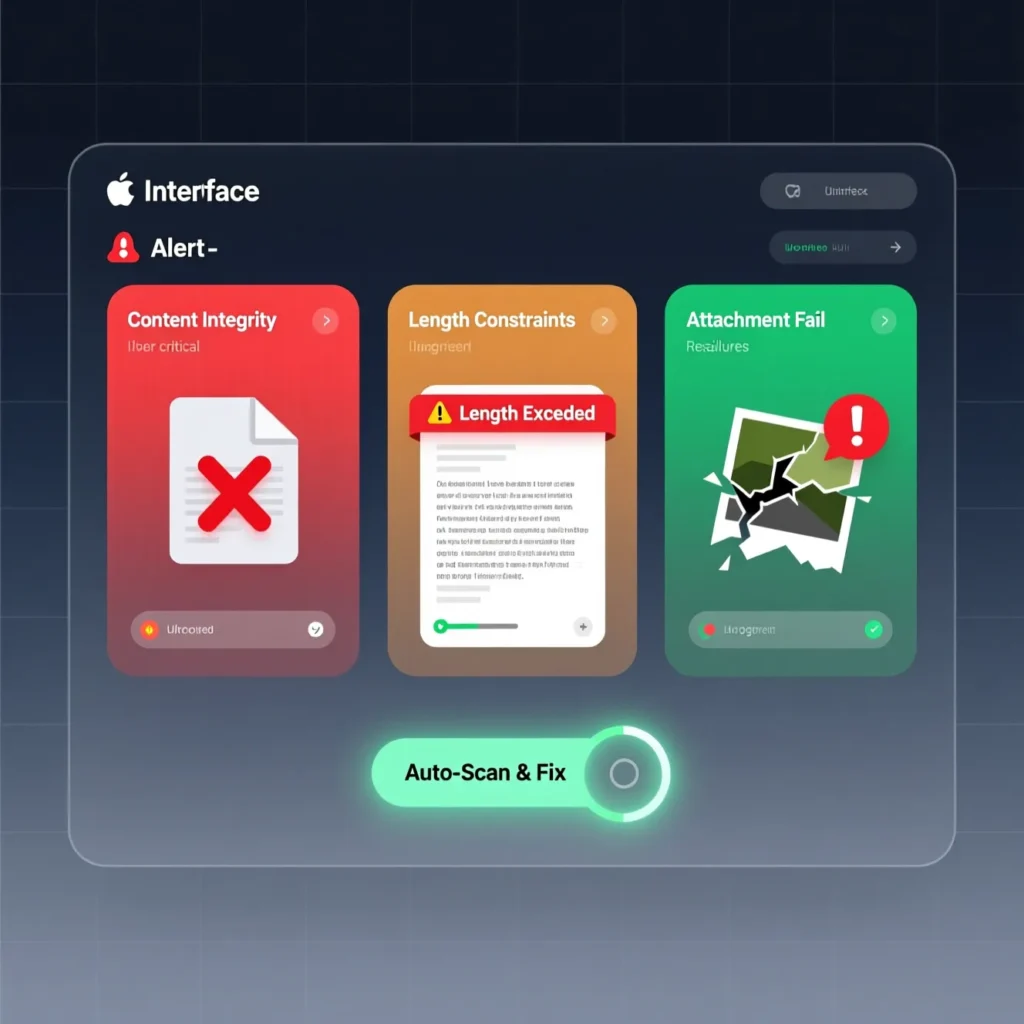
Sometimes the error message text is about what you are sending.
Very long texts can break into parts and sometimes fail.
Heavy images, videos, or group messages can struggle on weak networks.
If you send a lot of emojis or special characters, some may not be supported.
Try sending a short, simple text with plain words first.
If that goes through, the issue may be the length or attachments.
Compress or resize photos before attaching them.
Avoid huge videos over slow data connections.
Keeping your message lighter can prevent many errors.
Testing with a simple text is always a good starting point.
💬 App, Settings, And Notification Errors
Not all error message text problems are about the network.
Your messaging app can glitch, freeze, or mis-handle certain messages.
If the app keeps showing errors, close it and reopen it.
Clear the cache in the app settings to refresh it.
Make sure it is set as your default SMS app.
Update the app from your store to the latest version.
Restart your phone after making changes.
Avoid using multiple SMS apps at the same time, as they can conflict.
Once the app is stable and updated, many small errors stop showing.
A healthy app makes sending and receiving texts much easier.
💬 Special Error Messages Like Message Blocking Is Active
Some error messages use specific wording that hints at the cause.
Message blocking is active suggests a block or restriction on texting.
Message not sent tap to try again hints at temporary network trouble.
Could not send may point to a mix of signal, account, or app issues.
Each phrase gives you a direction to investigate.
If you see the same message often, note the exact wording.
Search that phrase or check your plan and settings around it.
Some phrases relate to premium messages or short codes only.
Others are tied to blocked contacts or parental controls.
Reading the error closely helps you pick the right fix.
💬 When Error Message Text Keeps Coming Back
If you see error message text over and over again, it is time to dig deeper.
Check signal, plan, number, content, and app basics first.
Try another messaging app as a quick test if possible.
If errors appear even then, the problem is likely with the line or network.
Contact your carrier and explain that many messages are failing with errors.
Share examples of what the error says and when it appears.
Ask them to check your account, SMS setup, and any possible blocks.
They can reset or refresh services on their side.
If the line is fine, contact your device maker for further checks.
Persistent errors usually need support instead of more guessing.
💭 FAQs About Error Message Text
What is an error message text
It is a notice that your text did not send, often with a short reason or symbol.
Does an error message always mean I am blocked
No. It can relate to signal, plan limits, wrong numbers, or app problems too.
Can I fix error message text issues myself
Often yes. Basic checks on signal, number, app settings, and storage can help.
Why do my messages fail only with one person
Their number may be wrong, inactive, restricted, or you may be blocked.
When should I contact my carrier
If many messages fail and basic fixes do not work, carrier support should check your line.
✅ Conclusion
An error message text can look worrying, but it is really just a sign that something along the path of your message needs attention. It may be your signal, your plan, your contact’s number, your content, or your messaging app.
By checking each area step by step and paying attention to the exact words in the error, you can often find the cause and fix it.
Once the issue is cleared, your texts will send again, and those small warning lines will finally stay away from your screen.

Emily is a professional content writer at msseage.com, specializing in messaging guides, tech tips, and user-friendly digital communication content