
You send a message on your iPhone, and suddenly, the usual blue bubble turns green.
Then you see the small text — Sent as Text Message. Your heart sinks a little. Did they block you? Or is your phone just acting up?
If you’ve ever wondered what this really means, you’re not alone. Many iPhone users see this and instantly assume the worst. But there are several reasons your iMessage might turn into a regular text.
This guide will help you understand what happens when that green bubble appears, what it actually means, and how to know for sure if someone blocked you.
📱 What Sent as Text Message Means
When your iPhone says Sent as Text Message, it means it used your carrier’s SMS network instead of Apple’s iMessage system.
It happens when the internet connection is poor or unavailable.
Blue messages use iMessage (sent over Wi-Fi or data).
Green messages use regular texting (sent over your mobile plan).
It doesn’t always mean you are blocked.
Sometimes, iMessage just fails to connect and switches to SMS automatically.
It’s Apple’s way of making sure your message still gets delivered.
So, a green bubble doesn’t mean rejection — it usually means a connection issue.
If the message says Delivered underneath, it means it went through.
If it doesn’t, there could be another issue, not necessarily blocking.
🌐 Common Reasons It Happens
The recipient has no internet connection.
Their phone might be turned off.
They could be in Airplane Mode.
Apple’s iMessage servers might be temporarily down.
They may have switched to an Android phone.
You might have poor Wi-Fi or cellular data.
They may have disabled iMessage in their settings.
It could be a temporary iOS glitch.
You might be in an area with weak signal strength.
All these are normal — and none automatically mean blocking.
🚫 When It Could Mean You’re Blocked
If all your messages to one person suddenly turn green, it might mean they’ve blocked you.
You won’t see Delivered or Read under your messages.
Your calls will go straight to voicemail or ring once then stop.
FaceTime calls won’t connect anymore.
You’ll no longer see typing indicators or message reactions.
Every message you send stays green without confirmation.
The change usually happens instantly after blocking.
But remember, green doesn’t always mean blocked — context matters.
Sometimes, it’s just a technical or network hiccup.
Blocking only becomes clear when all communication fails together.
🔍 How to Tell the Difference
Try sending a message to another contact — if it turns blue, your iMessage works fine.
If only one person’s chat stays green, blocking is possible.
Call them — if it goes straight to voicemail repeatedly, that’s another sign.
Try FaceTime — if it doesn’t connect, they may have blocked you.
Send a message a few hours later — if it’s still green, observe the pattern.
Check if they recently switched from iPhone to Android.
If everything points to that one contact, then it’s likely a block.
But if multiple chats turn green, it’s a connection issue.
Always rule out network errors before assuming blocking.
Calm observation gives you the real answer.
💬 The Difference Between iMessage and Text Message
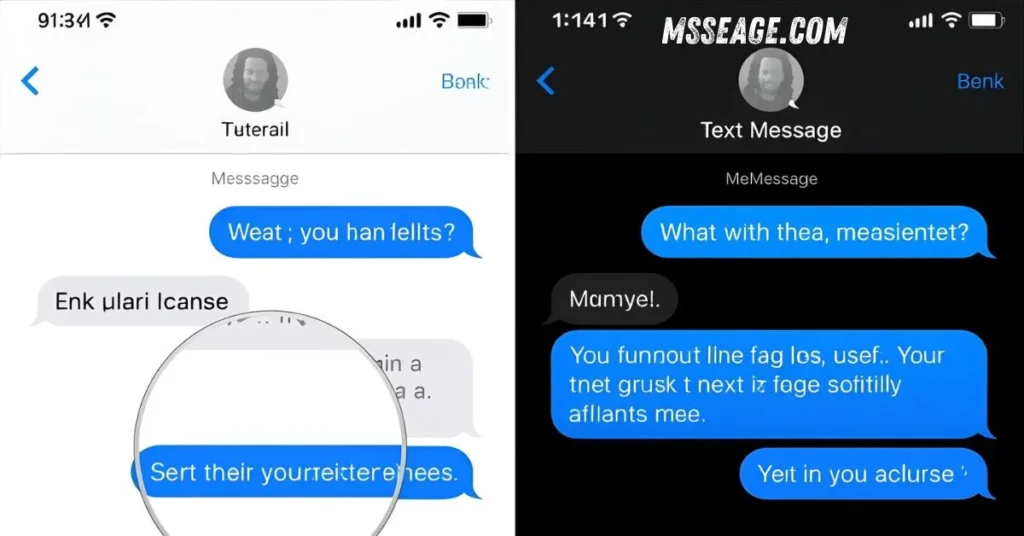
iMessage uses Apple’s internet system and appears blue.
Text Message uses your mobile carrier and appears green.
iMessage supports delivery and read receipts.
Text Messages don’t have those features.
iMessage can send photos, videos, and effects easily.
Text Messages are limited in size and quality.
If iMessage fails, iPhone switches to Text Message automatically.
This automatic switch can confuse users but ensures delivery.
It’s just Apple’s way of keeping your message moving.
Blue or green, both are designed to deliver your words.
⚙️ How to Fix iMessage Sending as Text
Go to Settings → Messages → Check if iMessage is enabled.
Turn Wi-Fi and data off and on again.
Restart your phone to refresh connections.
Make sure your Apple ID is signed in properly.
Update your iOS to the latest version.
Try toggling iMessage off and on again.
Send a test message to another contact.
If it sends as blue, your iMessage works fine.
If it keeps turning green, reset your network settings.
If nothing helps, the issue might be on the other person’s side.
🔒 Why Apple Doesn’t Tell You When You’re Blocked
Apple values privacy and respect between users.
That’s why there’s no alert or warning when someone blocks you.
Instead, messages quietly stop showing Delivered or Read.
This helps avoid unnecessary confrontation or confusion.
It’s up to the user to decide whom they wish to receive messages from.
Apple’s silent blocking system keeps communication private.
So when you’re blocked, the messages just go green and stay there.
You won’t know for sure — and that’s how Apple designed it.
It’s subtle, not harsh.
A quiet boundary, not a loud rejection.
💡 Tips to Avoid Confusion

Always check your internet before assuming the worst.
Wait a few hours before sending more messages.
Ask the person politely through another channel if needed.
Don’t send repeated texts if you think you’re blocked.
Keep your iOS and iMessage settings up to date.
Test your iMessage by texting a friend.
Avoid jumping to conclusions based on one green bubble.
Be patient and observe over time.
Sometimes the simplest issue looks like blocking.
Clarity comes with calmness.
🙋 FAQ: Does Sent as Text Message Mean Blocked
Does sent as text message mean I’m blocked?
Not always — it usually means iMessage was unavailable or internet was weak.
Can someone block me and my messages still say sent as text?
Yes, but those texts don’t reach the person.
Why did my iMessage turn green suddenly?
Because your phone switched to SMS when iMessage couldn’t connect.
How can I know for sure if I’m blocked?
If your messages, calls, and FaceTime all stop working, it’s a strong sign.
Will the person see my text if I’m blocked?
No, blocked texts never reach the other person.
🌟 Conclusion
When your message says Sent as Text Message, don’t panic. It doesn’t always mean you’ve been blocked. Most times, it’s just a temporary network issue or iMessage glitch. But if one person’s messages keep turning green and your calls go to voicemail, that might be a quiet sign of blocking.
Stay calm, check your connections, and remember — communication takes both sides. Sometimes silence isn’t rejection, it’s just a pause.
If you found this helpful, explore our [iPhone message tips] and [iMessage troubleshooting guides] for more clarity and support. 💛

My name is Emma, a writer at msseage.com, sharing clear and helpful content about messages and digital communication.