
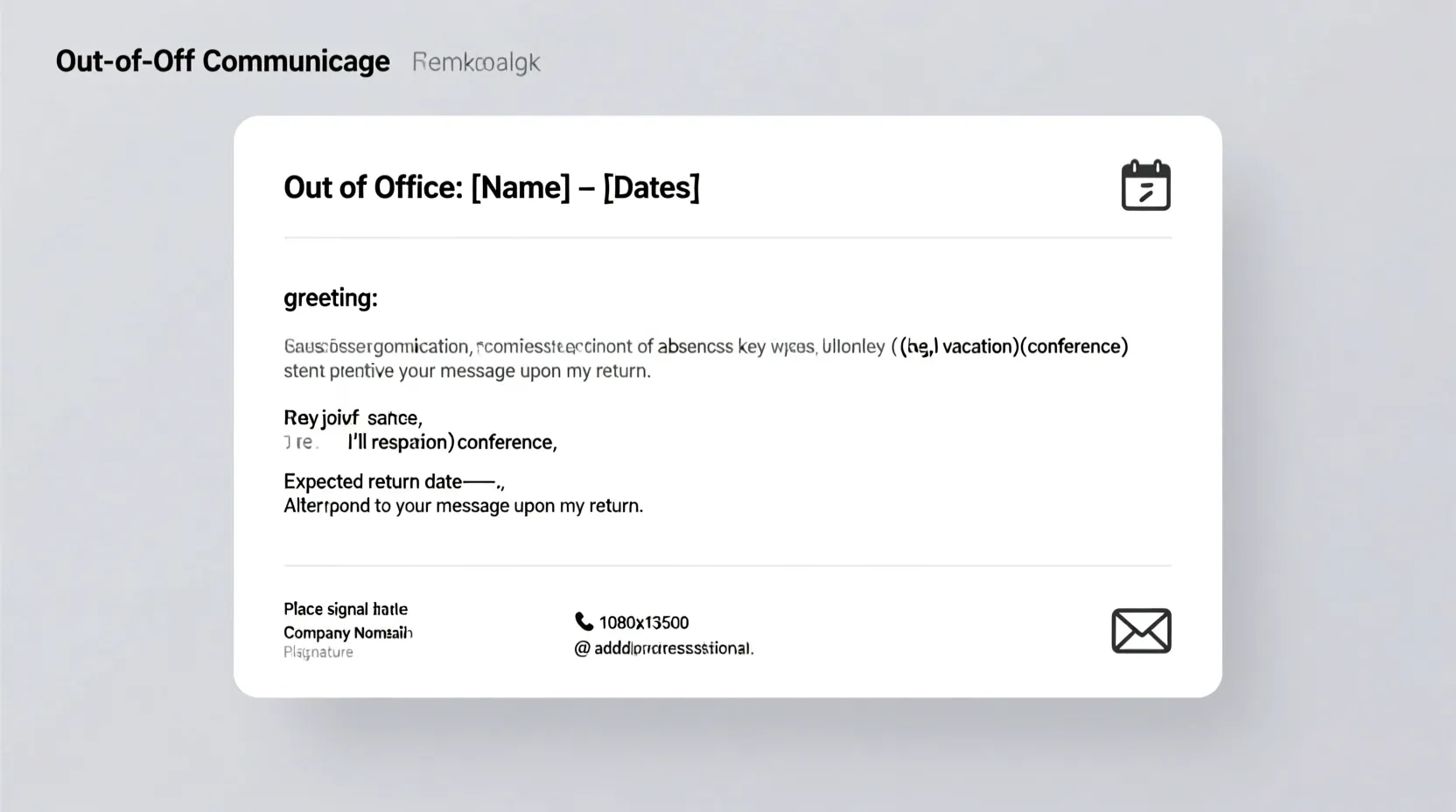
In busy seasons, your inbox does not slow down just because you do. Meetings, holidays, travel, family time, and sick days all pull you away from your desk. Still, you want every person who emails you to feel respected, not ignored. This is where a kind, clear out of office message Outlook setup helps you so much.
If you are searching for out of office message Outlook examples, you are likely getting ready to step away and need fast, ready-to-send words. You do not want cold corporate lines. You want simple, human messages that fit real life.
In this guide, you will find warm, copy-ready examples for many situations. You can paste them straight into Outlook, tweak a few details, and feel calm while your email replies for you.
Professional Out of Office Message Outlook Examples
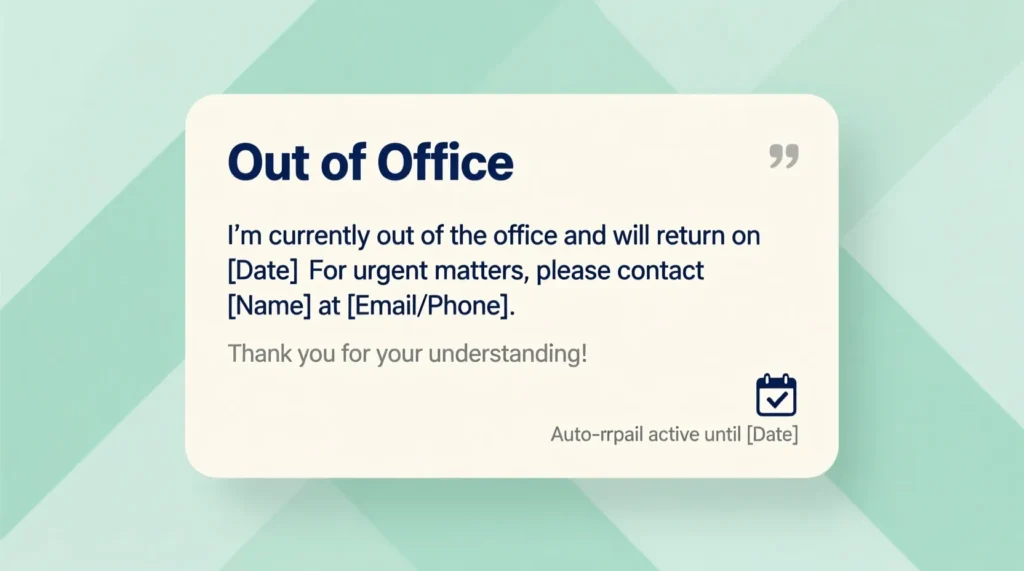
When you use Outlook for work, your message should sound clear, polite, and professional. These out of office message Outlook examples keep things short and respectful.
Message: Thank you for your email. I am currently out of the office and have limited access to email. I will respond after I return on [date].
Message: I am out of the office until [date]. Your message has been received, and I will reply as soon as I am back.
Message: I am away from my desk and not checking email regularly. I will review your message after [date].
Message: I am currently out of the office. I will respond to your email when I return on [date]. Thank you for your understanding.
Message: I am out today and will return on [date]. I appreciate your patience while I am away.
Message: I am out of the office with limited access to email. I will respond to your message when I am back on [date].
Message: I am away on business and will not be able to respond until [date]. I will reply as soon as possible after that.
Message: Your email is important. I am out of the office until [date] and will respond when I return.
Message: I am not in the office and may be slow to respond. I expect to be back on [date]. Thank you for your patience.
Message: I am currently unavailable and out of the office. I will review and respond to your email after [date].
Friendly Out of Office Message Outlook Examples
Sometimes you want a softer, more friendly tone, especially with coworkers you know well. These out of office message Outlook examples sound warm but still professional.
Message: Thanks for your message. I am out of the office until [date] and will reply as soon as I am back.
Message: I am taking a short break away from my inbox and will be back on [date]. I appreciate your patience.
Message: I am out of the office for a few days and may be slow to respond. I will get back to you after [date].
Message: I am away from email right now and will return on [date]. I look forward to catching up then.
Message: I am taking some time off and will not be checking email regularly. I will respond when I return on [date].
Message: I am currently out and will not be able to reply until [date]. Thank you for understanding.
Message: I am taking a small break and will be back on [date]. I will reply to your email once I return.
Message: I am out of the office enjoying some time away. I will respond as soon as I can after [date].
Message: I am away for a bit and may be delayed in responding. I will follow up when I am back on [date].
Message: I am stepping away from my inbox and will check messages again on [date]. Thank you for your patience.
Vacation Out of Office Message Outlook Examples
On vacation, your mind should be resting, not worrying about replies. These out of office message Outlook examples help protect your holiday time.
Message: I am currently on vacation and not checking email regularly. I will reply after I return on [date].
Message: I am away on vacation until [date]. I will respond to your message when I am back. Thank you for your patience.
Message: I am taking planned vacation time and will not be available by email until [date]. I will respond when I return.
Message: I am out of the office on vacation. I will check messages again after [date].
Message: I am on vacation and have very limited access to email. I will get back to you when I return on [date].
Message: I am away from work for vacation and will not be checking email often. I will respond after [date].
Message: I am out of the office enjoying some time off. I will reply to your email when I am back on [date].
Message: I am currently on leave for vacation and will return on [date]. Expect a delay in my response until then.
Message: I am away on a scheduled break and not reviewing email until [date]. Thank you for understanding.
Message: I am off on vacation and will respond to your message as soon as possible after [date].
Out of Office Message Outlook Examples with Limited Access
Sometimes you are away but still checking email now and then. These out of office message Outlook examples set that expectation clearly.
Message: I am out of the office with limited access to email. I will respond as soon as I can, but there may be a delay.
Message: I am currently away and checking email only a few times a day. I will reply as soon as possible.
Message: I am out of the office and have limited internet access. Please expect slower response times until [date].
Message: I am traveling and may not be able to reply quickly. I will respond when I can or after [date].
Message: I am away from my desk with limited email access. Thank you for your patience while I get back to you.
Message: I am out of the office and reading email less frequently than usual. I will respond as soon as I am able.
Message: I am away and may be slow to respond due to limited access to email. I appreciate your understanding.
Message: I am currently out of the office and have restricted access to email. I will reply when I am able or after [date].
Message: I am working remotely today with limited email time. There may be a delay in my response.
Message: I am traveling and cannot check email often. I will respond as soon as I have the chance.
Out of Office Message Outlook Examples with Alternate Contact
When you want urgent work to continue smoothly, sharing another contact person is helpful. These out of office message Outlook examples do that in a clear way.
Message: I am out of the office until [date]. For urgent matters, please contact [name] at [email]. I will respond to other messages when I return.
Message: I am currently out of office and unavailable. For immediate assistance, reach [name] at [email]. I will reply after [date].
Message: I am away from the office. If you need urgent help, please contact [name] at [email]. I will respond when I am back.
Message: I am out of office and not checking email regularly. [Name] at [email] can assist you with urgent requests.
Message: I am unavailable until [date]. For time-sensitive issues, please contact [name] at [email].
Message: I am away and unable to respond quickly. [Name] at [email] is available to help while I am out.
Message: I am out of the office. For urgent concerns, please reach [name] at [email]. I will respond to your message after [date].
Message: I am currently not available. You can contact [name] at [email] for immediate support. I will reply when I return.
Message: I am out of office until [date]. For urgent assistance, please write to [name] at [email].
Message: I am away from my desk and not checking email often. [Name] at [email] can help you in the meantime.
Sick Leave Out of Office Message Outlook Examples
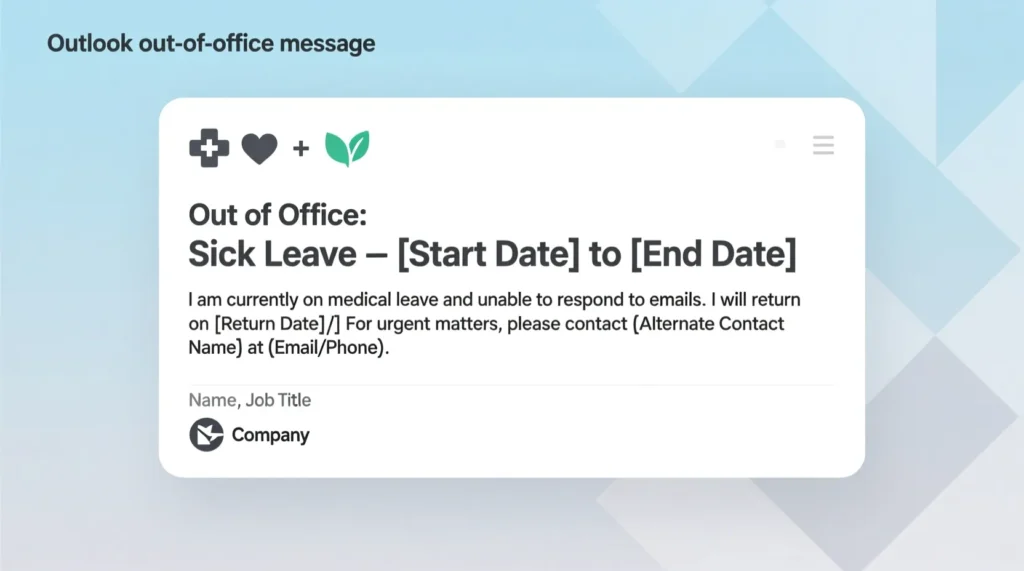
When you are unwell, you should not push yourself to reply fast. These out of office message Outlook examples help you set gentle boundaries.
Message: I am currently out of the office due to illness and may be slow to respond. I appreciate your understanding.
Message: I am out on sick leave and not checking email regularly. I will reply when I am able or after [date].
Message: I am away from work for health reasons. There may be a delay in my response. Thank you for your patience.
Message: I am currently on sick leave and will not be able to respond quickly. I will reply when I return.
Message: I am out of the office focusing on recovery. I will respond to your message when I am back or feeling better.
Message: I am unavailable due to illness and have limited access to email. I appreciate your understanding during this time.
Message: I am on sick leave and not checking email often. I will get back to you as soon as I can.
Message: I am currently away from the office for health reasons. Expect slower response times until I return.
Message: I am out due to illness and unable to answer right away. Thank you for your patience.
Message: I am not feeling well and am on leave. I will respond once I am back in the office.
Short Day or Half Day Out of Office Message Outlook Examples
You might only be gone for a few hours, but people still appreciate clarity. Use these out of office message Outlook examples for same-day breaks.
Message: I am out of the office for part of today and will respond to your email later this afternoon.
Message: I am away from my desk for a few hours and will reply as soon as I return.
Message: I am out of the office for the morning and will be back this afternoon to respond to your message.
Message: I am in meetings for most of today and may be delayed in replying. I will respond as soon as I can.
Message: I am away from my desk for a short time and will reply later today. Thank you for your patience.
Message: I am working limited hours today and may not respond right away. I will get back to you soon.
Message: I am out of the office for a portion of the day. I will answer your email once I return.
Message: I am currently unavailable and will be back later today. I will respond at that time.
Message: I am out for a half day and will reply when I am back in the office.
Message: I am temporarily away from email and will respond before the end of the day.
Holiday and Long Break Out of Office Message Outlook Examples
Holidays and long breaks create longer gaps in replies. These out of office message Outlook examples keep expectations clear and calm.
Message: I am out of the office for the holidays and will return on [date]. I will respond to your message after I am back.
Message: I am currently on an extended break and not checking email regularly. I will reply when I return on [date].
Message: I am away for the holiday period and will not be available until [date]. Thank you for your understanding.
Message: I am out of office during the holidays and will respond after I return on [date].
Message: I am on a long break and have limited access to email. I will reply to your message when I am back.
Message: I am away for an extended holiday and will return on [date]. Expect a delay in my response.
Message: I am out of the office for a long break and not checking email often. I will respond after [date].
Message: I am currently away for the holiday season and will reply once I return on [date].
Message: I am on extended leave and not available by email. I will respond after my return on [date].
Message: I am out of the office for a longer period and may not be able to respond until [date].
Personal Inbox Out of Office Message Outlook Examples
Even for your personal Outlook account, an auto reply can protect your peace while still being kind. These out of office message Outlook examples work well for personal use.
Message: Thanks for your email. I am taking a break from this inbox and will check messages again on [date].
Message: I am away from email right now and may be slow to respond. I will reply after [date].
Message: I am taking some time offline and will not be checking this email often. I will respond when I return on [date].
Message: I am stepping back from email for a while and will review your message after [date].
Message: I am currently away from this inbox. I will get back to you when I am checking email again on [date].
Message: I am offline for a bit and may delay my response. I will reply when I am back.
Message: I am taking a short digital break and will not be checking email regularly until [date].
Message: I am out and not looking at this email account much right now. I will respond after [date].
Message: I am away at the moment and will check this inbox again on [date].
Message: I am currently not active on email and will reply once I return on [date].
Gentle Tips for Using Out of Office Message Outlook
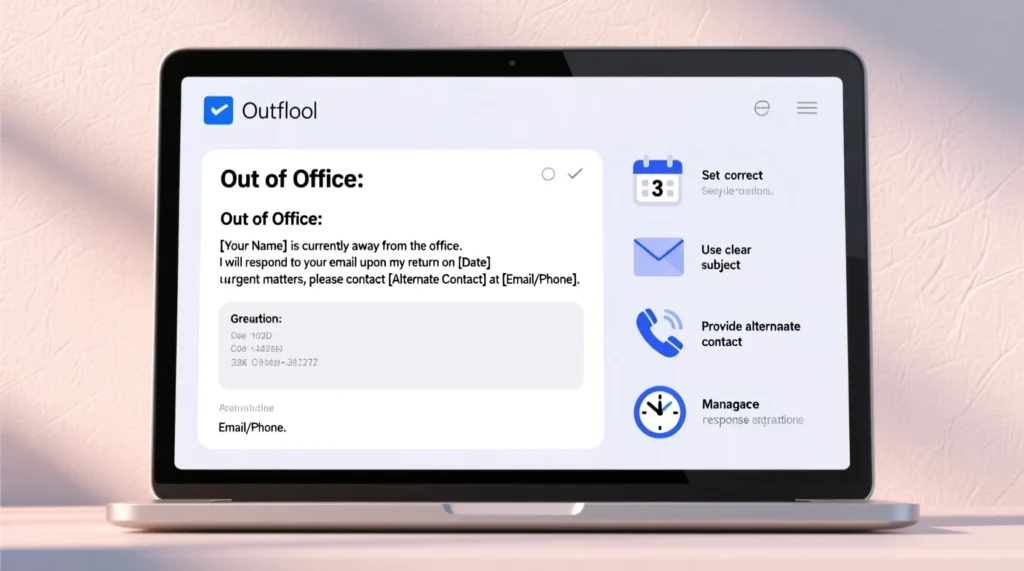
Here are simple ways to keep every out of office message Outlook reply clear, kind, and helpful.
You keep your message short and easy to scan
You clearly state that you are out of the office
You share your return date when possible
You mention limited access if that is true
You add an alternate contact only when needed
You thank the sender for their patience and understanding
You avoid sharing private details about your plans
You check spelling, dates, and names before saving
You remember to turn off the message when you are back
FAQs about out of office message Outlook examples
Do I need different out of office messages for internal and external contacts
Yes, Outlook lets you set one message for people inside your organization and another for people outside if you want.
How long should an out of office message be
A few clear lines are enough. Just say you are away, when you will return, and what to expect.
Should I always include a backup contact
Only if someone truly needs to handle urgent matters while you are away. Otherwise, a simple delay notice is fine.
Can I reuse these out of office message Outlook examples
Yes, you can reuse them. Just update dates, names, and any details so they stay accurate.
Is it okay to sound friendly in an out of office message
Yes. Warm, simple language makes your message feel more human and still professional.
conclusion
A good out of office message Outlook setup is a small step that brings big peace. It protects your rest, your focus, and your health, while still honoring every person who emails you. Instead of silence, they get clarity. Instead of confusion, they get kind expectations.
Use these Outlook examples as your base. Copy, paste, edit a few lines, and let your auto reply work quietly in the background. While you travel, recover, celebrate, or simply breathe, your out of office message keeps your inbox calm and your relationships cared for.

I am James, a content writer at msseage.com, creating helpful articles about messages, communication, and modern digital trends.