
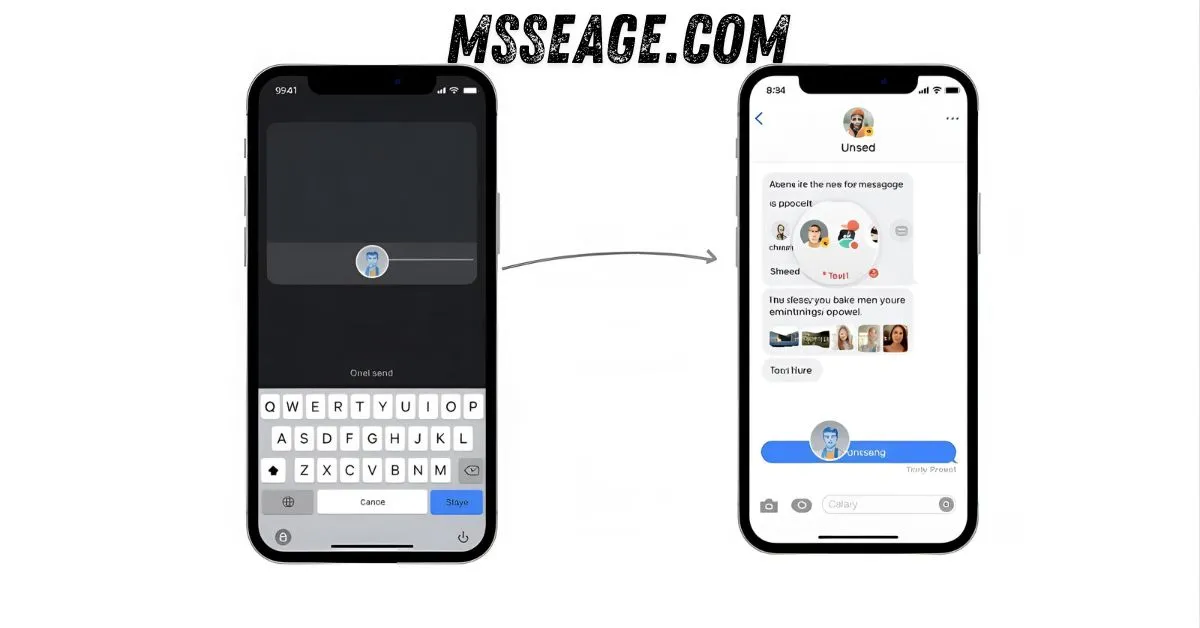
We’ve all had that sinking feeling — you hit send and instantly wish you hadn’t. Maybe it was a typo, maybe the message went to the wrong person, or maybe it revealed too much. The thought that rushes in is simple: how do I unsend a text message?
While we all wish every message came with an “undo” button, not every app or phone works the same way. Some messages can be unsent, others can’t.
This article gently walks you through what’s possible on iPhone, Android, and the most popular messaging apps, so you’ll always know what to do next time your finger moves too fast.
💬 What It Means to Unsend a Text
Unsending means removing your message completely.
It disappears from your phone and the recipient’s.
It’s like pressing rewind on your words.
Apps like iMessage, Instagram, and WhatsApp support it.
Traditional text messages (SMS) do not.
A short note may appear saying the message was removed.
It’s handy for fixing accidental sends or wrong chats.
But remember, if the person saw it before, you can’t undo that.
It’s a modern way to take back your words gracefully.
Think of it as your built-in second chance.
📱 How to Unsend a Message on iPhone
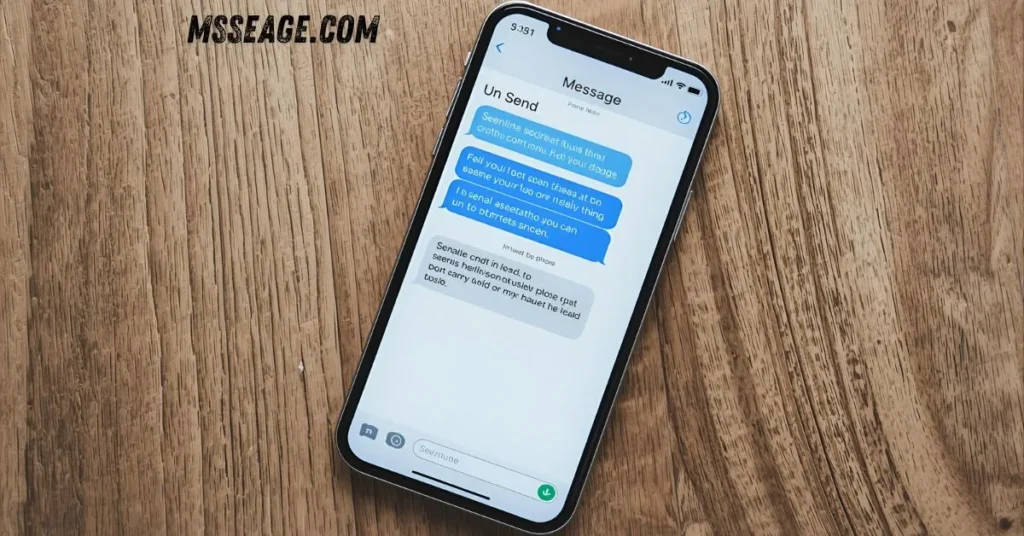
Apple made life easier for iPhone users starting with iOS 16.
You can now unsend messages sent through iMessage.
Just open the chat, press and hold your message, and choose Undo Send.
The message vanishes from both phones.
This only works if both users are using iOS 16 or newer.
You get a two-minute window to act.
After that, the message stays put.
It works only for blue iMessages, not green SMS.
It’s simple, quick, and often saves you from embarrassment.
Still, timing is everything with iMessage unsend.
🤖 How to Unsend a Message on Android
Android texting uses traditional SMS, which can’t be undone.
Once you hit send, the message is delivered instantly.
However, if you use chat apps on Android, you have options.
Google Messages and Telegram offer unsend-like features.
Turning on airplane mode right after sending might stop delivery.
Deleting a message from your side won’t remove it from theirs.
That’s why chat apps are safer for sensitive messages.
Android might add a recall feature in the future.
For now, being careful is your best move.
Always pause before pressing send.
💬 How to Unsend a Message on WhatsApp
WhatsApp lets you delete messages for everyone.
Simply open the chat, tap and hold your message, and choose Delete for Everyone.
It will disappear from both sides if done within 15 minutes.
After that, you can only delete it for yourself.
A note will show that a message was deleted.
This helps fix mistakes quickly, though not secretly.
If the person saw it already, you can’t change that.
The option works for personal and group chats.
It’s one of WhatsApp’s most reliable features.
Fast action makes all the difference.
💬 How to Unsend a Message on Instagram
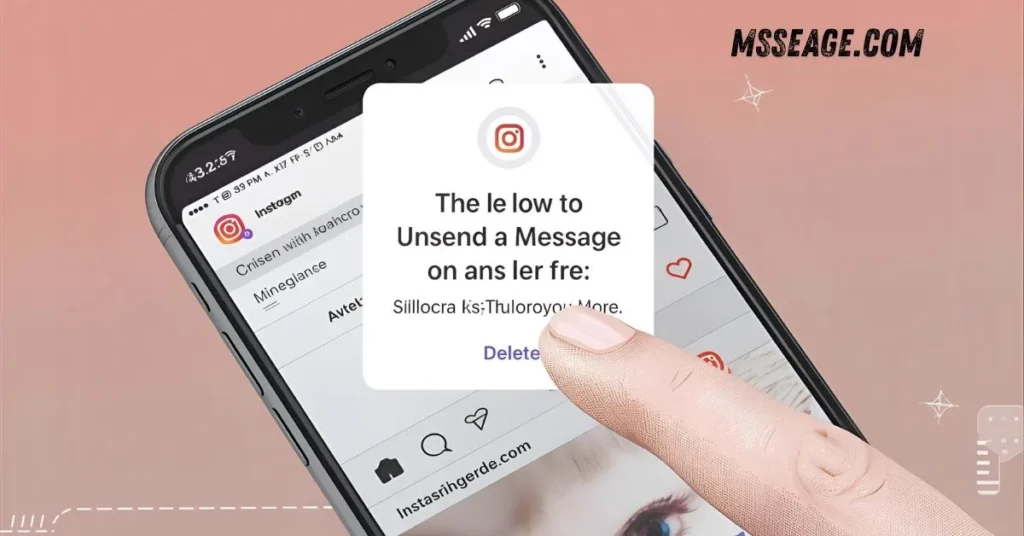
Instagram Direct Messages make unsending easy.
Open your chat, hold the message, and tap Unsend.
It disappears instantly from both chats.
There’s no time limit to use this option.
It leaves no visible trace for the other person.
However, if they saw it earlier, they’ll still know.
You can unsend photos, texts, or videos the same way.
It’s one of the most private unsend tools online.
Instagram gives you full control of your messages.
It’s perfect for fixing small social slip-ups.
💬 How to Unsend a Message on Messenger
Messenger also allows users to unsend messages easily.
Open your conversation, hold the message, and choose Remove.
Then tap Unsend for Everyone.
It will be deleted from both sides.
A small note will appear that something was removed.
If seen before, it can’t be unseen.
You can still delete for yourself anytime.
It works across mobile, desktop, and web.
Messenger gives a few minutes to act fast.
It’s a simple way to correct quick mistakes.
💬 How to Unsend a Message on Telegram
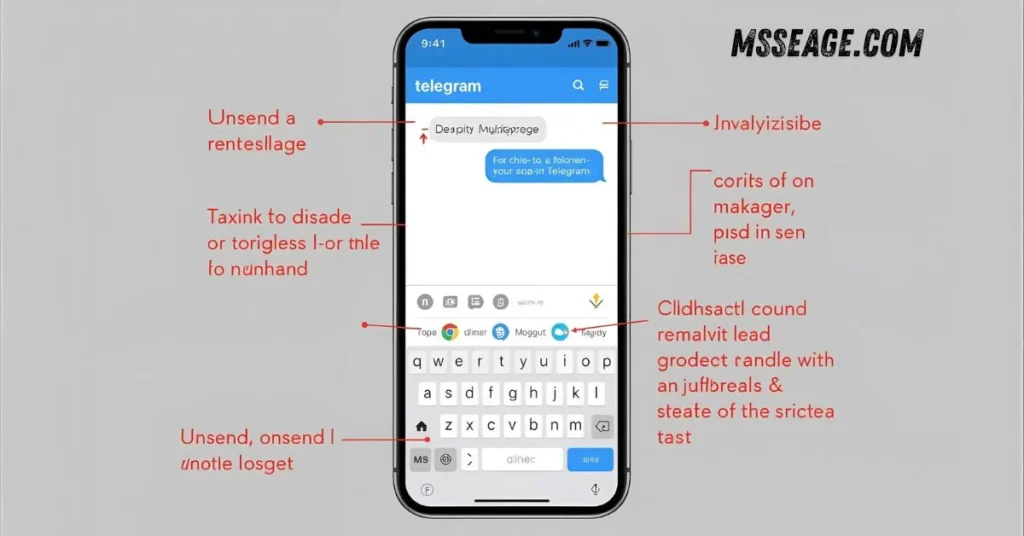
Telegram gives complete message control.
Tap and hold your message, choose Delete, then Delete for Everyone.
The message disappears from both devices instantly.
No note or trace is left behind.
You can even delete entire chats without notice.
It works at any time, with no time limit.
Perfect for privacy-focused users.
Telegram is one of the most flexible apps available.
You can manage messages however you like.
It’s truly the master of message control.
💬 Tips Before Sending a Message
Pause for a few seconds before sending.
Double-check the recipient’s name or group.
Avoid texting while angry or emotional.
Use apps that let you unsend if needed.
Turn on message previews for double-checking.
Update your messaging apps regularly.
Don’t send private details in texts.
Proofread messages to avoid confusion.
If unsure, draft first and send later.
A few seconds of care can save future stress.
💭 FAQs About Unsending Messages
Can you unsend a regular text message?
No, once an SMS is sent, it can’t be unsent or deleted from the recipient’s phone.
How long do you have to unsend an iMessage?
You have up to two minutes to unsend an iMessage if both users use iOS 16 or newer.
Does unsending a message notify the other person?
Most apps show a small note saying a message was unsent or deleted.
Can someone still see my unsent message through notifications?
Yes, if the notification appeared before you unsent it, they might still see a preview.
Which app is best for unsending messages?
Telegram and Instagram offer the easiest and most private unsend options.
💬 Conclusion
Unsending a text message can feel like a small rescue — a way to fix what slipped out too soon. While you can’t unsend regular texts, apps like iMessage, WhatsApp, Instagram, and Telegram make it possible with just a tap.
The key is to act quickly and stay calm. Mistakes happen, but knowing how to undo them helps you move on smoothly.
And next time, take a breath before sending — because sometimes, silence speaks better than a rushed text.

I am James, a content writer at msseage.com, creating helpful articles about messages, communication, and modern digital trends.