

Seeing an error like
bad message 431 reason: request header fields too large
can feel scary and super technical. It looks like something is broken on a deep level, and you might not know where to even start.
This error is usually related to web requests, not normal SMS texts. You often see it in a browser, an app that uses the internet, or an API / server situation. It simply means:
your request to a server has too much data in the headers, so the server refuses it.
Below is a calm, simple breakdown of what it means and what you can do.
💬 What Does “Bad Message 431 Request Header Fields Too Large” Mean
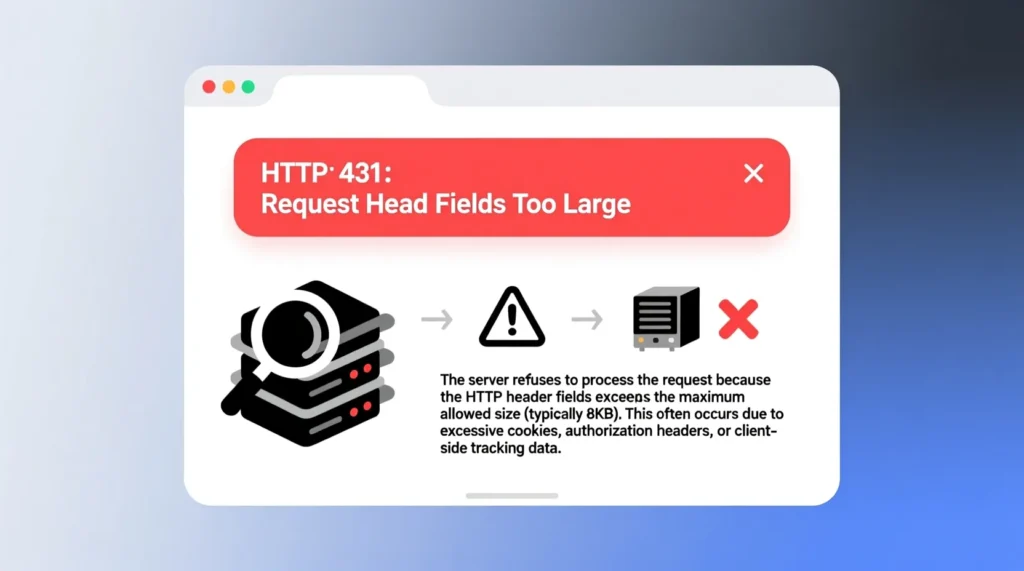
This error comes from a web server.
It appears when the request you send has oversized header fields.
Headers are small pieces of information attached to your request.
They include things like cookies, user agents, tokens, and other meta data.
If one header is too big or there are too many together, the server complains.
Instead of processing the request, it returns this 431 error.
It is not about the body or content of your message.
It is mostly about the extra information wrapped around it.
So the core idea is simple.
Your request is too heavy in the header area.
💬 Common Causes Of 431 Request Header Fields Too Large
There are a few typical reasons this shows up again and again.
Cookies are too large or there are too many.
A site keeps setting lots of tracking or session cookies.
You are sending long custom headers from a script or app.
Old, unused headers stay around for too long in your code.
A browser extension injects extra headers into the request.
Repeated redirects or logins add more cookie data over time.
Some reverse proxies or load balancers add their own header layers.
All of these stack up into a big header block.
At some point, the server’s limit gets hit.
That is when you see bad message 431.
💬 When You See This Error In A Browser
If you see this in your browser while visiting a website, it is often cookie related.
The site’s cookies may have grown huge over time.
Maybe you logged in many times or the site stores lots of state.
Your browser sends those cookies to the site every request.
When the cookie header gets too large, the server refuses the request.
That is when the 431 error appears instead of the page.
It feels like the site is broken, but it is about stored data.
The good news is, you can often fix it yourself.
You do not need deep technical skills.
Just a few cleanup steps usually help.
💬 How To Fix It In Your Browser
You can try simple, safe actions to clear the error.
First, refresh the page once to see if it was a random glitch.
If it keeps happening on the same site, clear cookies for that site.
Open your browser settings and go to privacy or site data.
Search for that website and delete its cookies and stored data.
Then close all tabs for that site and open it again.
Log in again if the site needs an account.
If the problem was cookie size, this will often fix it.
You can also try another browser or private/incognito mode.
If it works there, you know the old data was the issue.
💬 When You Are A Developer Or Using APIs

If you are building a site, app, or API, this error is a signal to review your headers.
Check what you are sending in the request.
Look at cookies, auth tokens, custom headers, and tracing info.
Remove any headers you do not really need.
Shorten long values, especially tokens or identifiers, if possible.
Avoid packing too much state into cookies.
Use server-side sessions or databases instead of giant cookie payloads.
If you have multiple layers like proxies, see if each one adds headers.
You might need to adjust the server or proxy limits carefully.
The goal is lean, focused headers with only what is required.
💬 Reverse Proxies, Gateways, And 431
Sometimes the error is not from your app server directly.
It may come from a reverse proxy like Nginx, Apache, or a gateway.
These tools sit in front of your app and also enforce limits.
They have settings for header size, number of headers, and line length.
If the incoming request breaks those limits, they respond with 431.
Your app might never see the request at all.
Check the proxy logs if you manage the infrastructure.
If header limits are too strict for your use case, raise them carefully.
Do not just set them extremely high.
Balance safety, performance, and real needs.
💬 When Browser Extensions Or Tools Cause Extra Headers
Extensions and plugins can quietly add their own headers.
Ad blockers, security tools, or debugging extensions may inject data.
If you have many such tools, the total header size grows.
This may push the request over the server’s limits.
To test this, try disabling extensions temporarily.
Reload the page and see if the error disappears.
You can also test in a clean profile or another browser.
If it works there, an extension is probably involved.
Keep only the tools you truly need.
Extensions should not silently break basic requests.
💬 How To Prevent 431 Errors Long Term
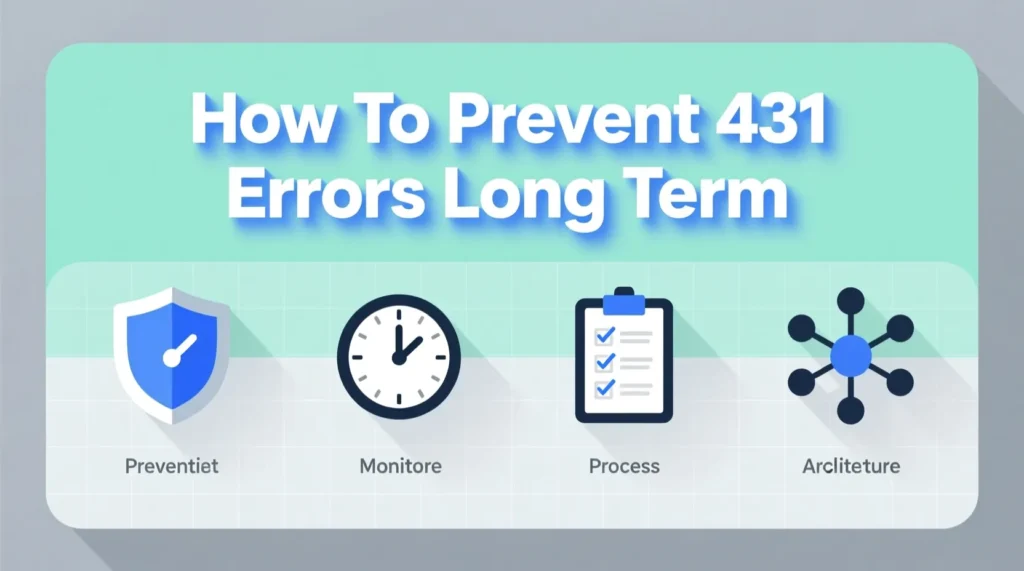
You can reduce the chance of seeing this error again.
Keep cookies small and focused on what is needed.
Avoid storing large JSON blobs or big tokens in cookies.
Expire old cookies that are no longer used.
As a dev, regularly audit your headers.
Document which headers your app expects and why.
Use server-side storage for state instead of client-heavy cookies.
Monitor logs for frequent 431 responses.
If they appear a lot, analyze which requests triggered them.
Prevention is easier than fixing a bloated header setup later.
💭 FAQs About Bad Message 431 Request Header Fields Too Large
What does bad message 431 reason request header fields too large mean
It means the server rejected your request because the headers were too big or too many.
Is this error from my phone or from the server
The server sends the error, but it is reacting to the request your browser or app sent.
Can I fix this as a normal user
Often yes. Clearing cookies or site data for the problem site usually helps.
What should developers do about 431 errors
Reduce header size, clean up cookies, shorten values, and adjust server or proxy header limits if needed.
Does this mean my data is lost
No. It means the request was not processed. Once you fix the header size issue, requests can work again.
✅ Conclusion
The error bad message 431 reason: request header fields too large looks complex, but the core idea is simple: your request is carrying too much header data, and the server refuses to handle it. Most of the time, cookies, large tokens, or too many extra headers are the cause.
As a user, clearing cookies or using a clean session can quickly solve it. As a developer, trimming headers, cleaning cookies, and tuning your proxy or server limits will prevent it in the future.
Once the header overload is fixed, your pages and requests can load normally again, without that harsh-looking 431 message.

My name is Emma, a writer at msseage.com, sharing clear and helpful content about messages and digital communication.